
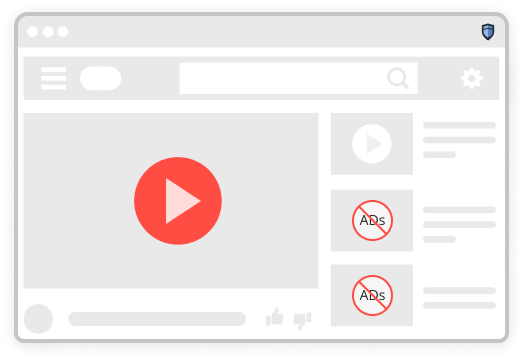
Video without the wait
The pre-roll that plays before your clip, the mid-roll that interrupts it, and the overlay that covers a third of the screen — all of them are requests, and all of them can be declined.
Browser extension
Display ads, pre-roll video, pop-ups and the tracking scripts behind them — declined at the request stage, before your browser ever downloads them.
Add to Chrome — it's free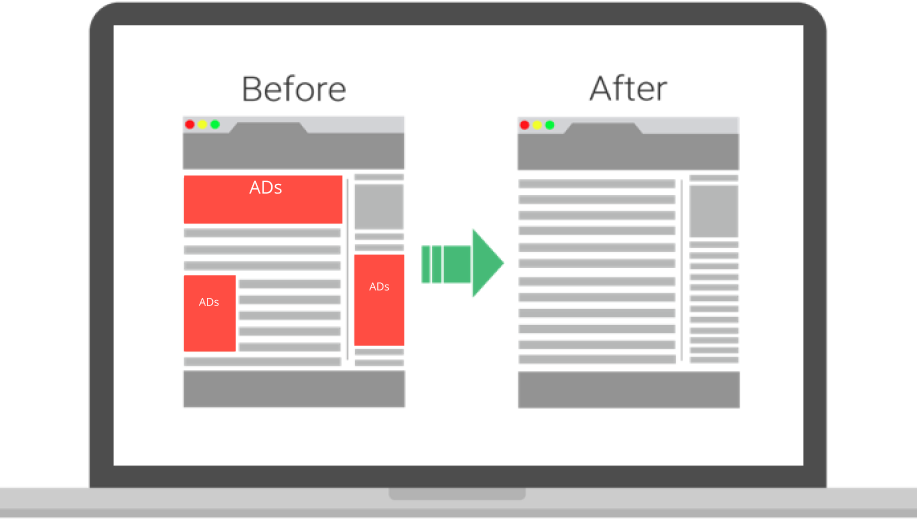
What changes
Every task on the list below gets quicker when the page stops loading things you did not ask for.
The pre-roll that plays before your clip, the mid-roll that interrupts it, and the overlay that covers a third of the screen — all of them are requests, and all of them can be declined.
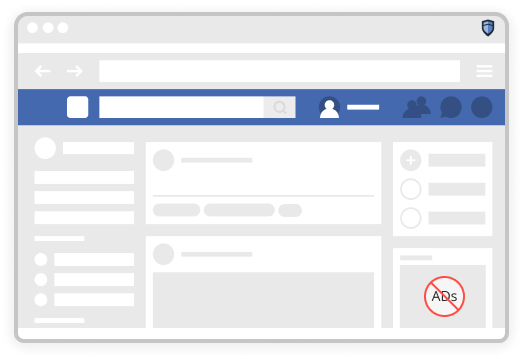
No more working out halfway down whether the thing you are reading is the article or an advert dressed as one. The publisher's own text and layout stay exactly as written.
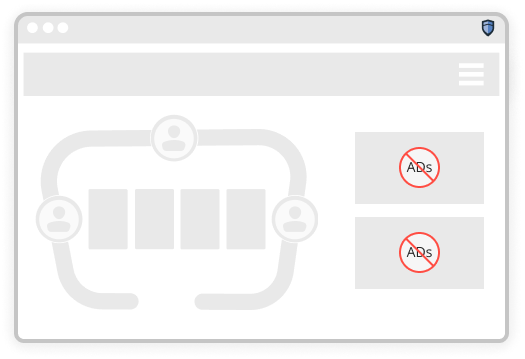
Browser games that make you sit through thirty seconds of advertising to continue lose the thirty seconds. The game itself is untouched.
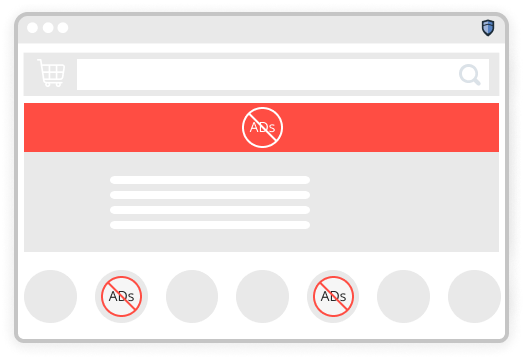
Fewer sponsored placements between you and the thing you actually searched for, and fewer retargeting scripts following the search around afterwards.
From the store listing
Reviews published on the extension's own store page. Experiences vary by browser, plan and the sites a person visits.
“I love not seeing ads. The difference on the sites I use every day is not subtle.”
— Karen N.“It keeps the ads out of my whole time on the computer, not just one browser tab. Worth it to me.”
— James P.“My machine was bogged down by ads loading in the background. It runs noticeably faster now.”
— Donna W.Reviews are reproduced from the store listing and have not been independently verified by Ads Remover.
Setup
No account, no configuration and nothing to remember afterwards.
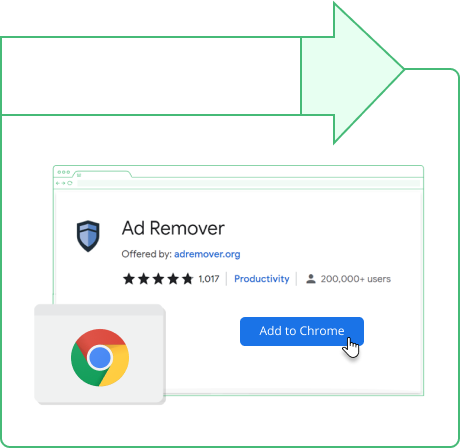
One click from the store listing. No restart, and the permissions it asks for are set out on the page before you confirm.
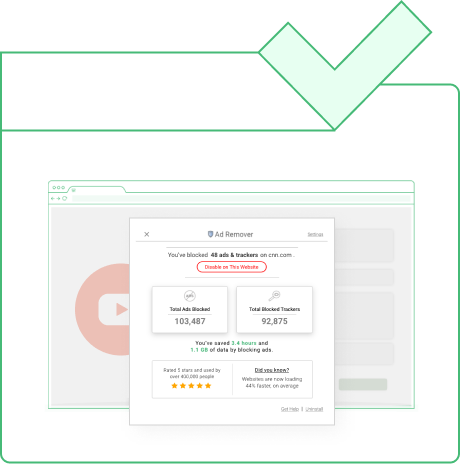
Filter lists load once and refresh quietly. The toolbar icon is there when you want to allow a site through; otherwise you can forget it exists.
It needs broad permissions. To decide what a page may load, any ad blocker must be able to read and change data on the sites you visit. That is normal for the category and it is still worth reading the listing before you install.
Advertising funds a lot of the web. Blocking it removes income from publishers you may want to keep reading — which is exactly why the allowlist exists, and why a lot of people use it deliberately.

Coverage
It installs in Chrome and in Chromium-based browsers — Edge, Brave, Opera and the rest. Which features appear can differ between browsers and between releases, so the store listing is the place to check what you are getting.
Add to Chrome — it's freeQuestions
The extension is listed free on the Chrome Web Store. Blockers in this category commonly offer a paid tier that adds filtering on major sites or extra privacy features — read the listing and the developer's own terms rather than assuming what is included.
Chrome, and Chromium-based browsers such as Edge, Brave and Opera. Feature availability differs between browsers and between versions, and the store listing is the current source of truth.
Occasionally, yes. Filtering can interfere with a video player, a login window or a cookie banner. Every blocker has a per-site off switch, and turning filtering off for one site is the standard first check when a page misbehaves.
Permission to read and change data on the sites you visit — there is no way to decide what a page may load without it. It is a broad permission, it is normal for this category, and it is worth reading what any extension asks for before installing it.
Often. Ad and tracking scripts are frequently the heaviest things on a page, and a blocked request is never downloaded at all. How much difference you see depends entirely on which sites you use.
Yes. Allowlisting switches filtering off for that site only, and the choice is remembered. Plenty of people keep a short list of publications they would rather fund.
It takes about ten seconds to install and you can remove it just as quickly.
Add to Chrome — it's freeThis page is a paid advertorial published by ads-remover.com. It is promotional content, not an independent review. The link goes to a third-party extension on the Chrome Web Store which we do not develop, publish or support, and we may be compensated for referrals. Features, pricing and availability are set by the developer and can change without notice to us. See our Advertising Disclaimer and Privacy Policy.